
Keep hiring files organised, controlled, and easy to find.
OneDrive gives you a secure place to store and share files from anywhere. It also supports version history, so you can recover an older file when someone makes a bad edit. You can share files with link controls like passwords or expiry dates to keep access tight.
 +
+
Keep every hiring document in one place
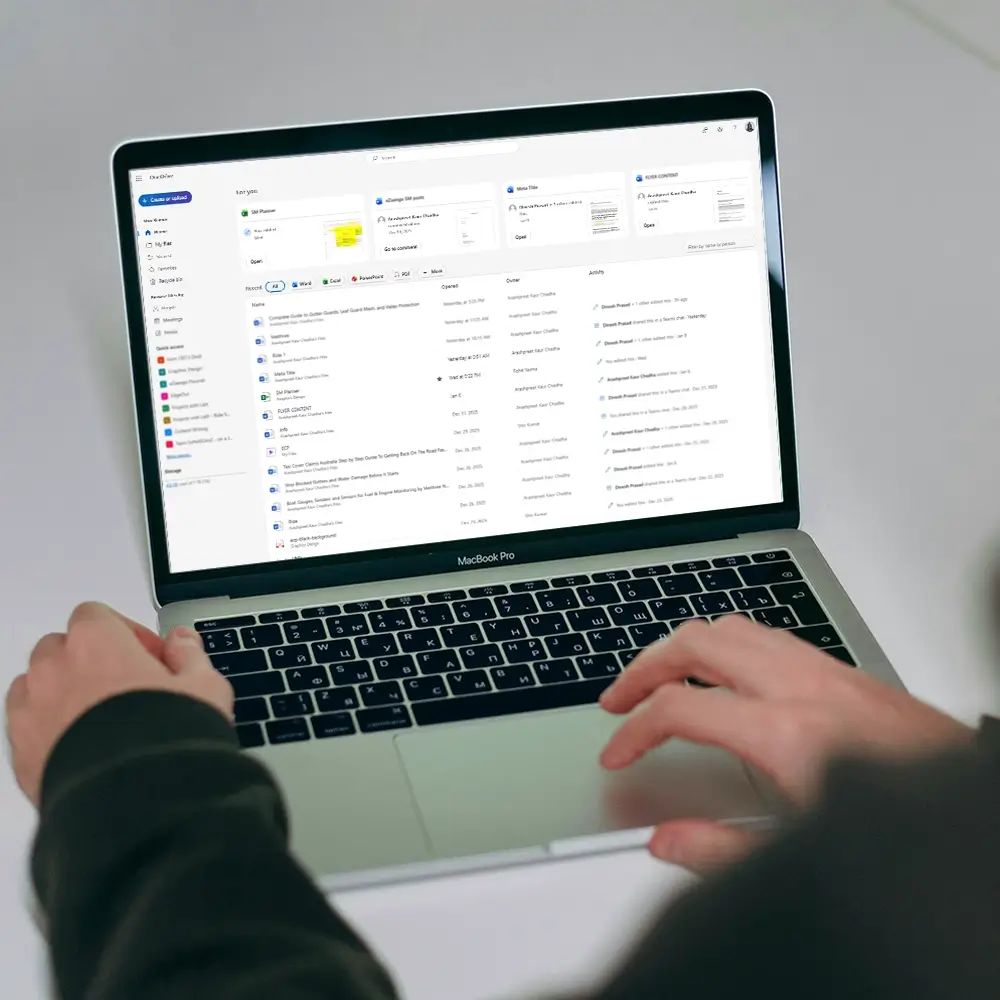
You handle a lot of files in hiring. Resumes, offer letters, IDs, and check reports can scatter fast. With OneDrive, you keep them stored in one place your team already uses. You spend less time asking people to resend documents.
When files sit in one shared place, you reduce duplicates. You also avoid confusion over which file is the latest. OneDrive includes version history, so you can go back when a file changes or gets deleted. That helps you keep a clear record.
You also control how people access files. OneDrive supports sharing links with settings like passwords and expiry dates. That means you can share what you need, then remove access when the task is done. You keep hiring work moving without opening everything to everyone.
Protect sensitive files without slowing work
Hiring files include personal data. OneDrive supports encryption in transit and at rest, which helps protect content while it moves and while it is stored. This matters when teams work across devices and locations. You lower risk without changing how your team works.
Mistakes happen, and threats happen too. OneDrive includes ransomware detection and file restore features, plus recovery options through version history. That gives you a path back if files get changed in bulk or damaged. You stay ready for the problems that disrupt hiring.
You also avoid filling up staff laptops with large folders. OneDrive Files On Demand lets you see files in the cloud without downloading everything. People can open what they need, when they need it. Your team keeps devices clean and work stays fast.

Become our Integration Partners
If you build tools that support hiring, we can work together to deliver a smoother workflow for shared customers.