
The EdgeOut advantage
You keep the offer process simple, clear, and easy to manage.

Offer templates
Use a standard offer letter template and fill it with the candidate and role details.

Offer details in one form
Capture start date, pay, schedule, and benefits in one place so you do not miss basics.

Approval steps
Route offers for review and track when each step is pending or approved.

Email sending
Send the offer letter by email from the system, linked to the candidate record.

Attachments and packs
Include extra documents with the offer so the candidate can review and sign them together.

Status you can see
Know if the offer is drafted, sent, accepted, or needs changes without checking inbox threads.
Modernise the offer process
An offer works best when it is clear and consistent. EdgeOut keeps your offer details and your offer letter tied to the same candidate, so your team does not copy and paste between files.
Use a template to speed up reviews and reduce rework. This helps you shorten the time between a verbal yes and a written offer.
- Build the offer from a structured set of fields, then generate the letter from that data.
- Keep the role terms visible so your team can confirm the basics before you send.
- Reuse templates to reduce legal and HR review time for common roles.

Offer letter generation
Select a template and populate it with the candidate’s offer details. Preview the letter before you send it.
Offer email draft
Write the message that goes with the offer letter in the same flow. The email and letter stay linked to the candidate record.
Documents and attachments
Attach supporting documents with the offer letter when you need them. This keeps the full pack together for the candidate.

Quick offer approvals
Offers often stall when the next reviewer cannot see what is waiting. With a clear approval flow, your team knows what needs review and what is already approved.
EdgeOut helps you track approval status in the offer record. You stop chasing updates across chats and email threads.
- Request approval for a new offer and track the overall status in one place.
- Send the offer only after the required approvals are complete.
- Use reminder emails so approvals do not sit unnoticed.
Approval routing
Set who needs to approve an offer for a role or team. EdgeOut records each step so you can audit decisions later.
Status tracking
See when an offer is pending and when it is approved, with dates tied to the approval outcome. This reduces follow ups and rework.
Notification emails
Use approval reminder emails to keep reviews moving. Your team spends less time checking if someone saw the request.
One click offer acceptance
Candidates want a clear offer and a simple way to accept it. When you support e signature, you capture the signed offer without printing and scanning.
Once the candidate accepts, you keep the signed copy on the record for future reference. This also helps your team move the candidate to hired with less manual work.
- Send one offer pack that includes the letter and any required documents.
- Capture acceptance with e signature and store the signed record in the ATS.
- Mark the candidate as hired after acceptance so the next steps can start.
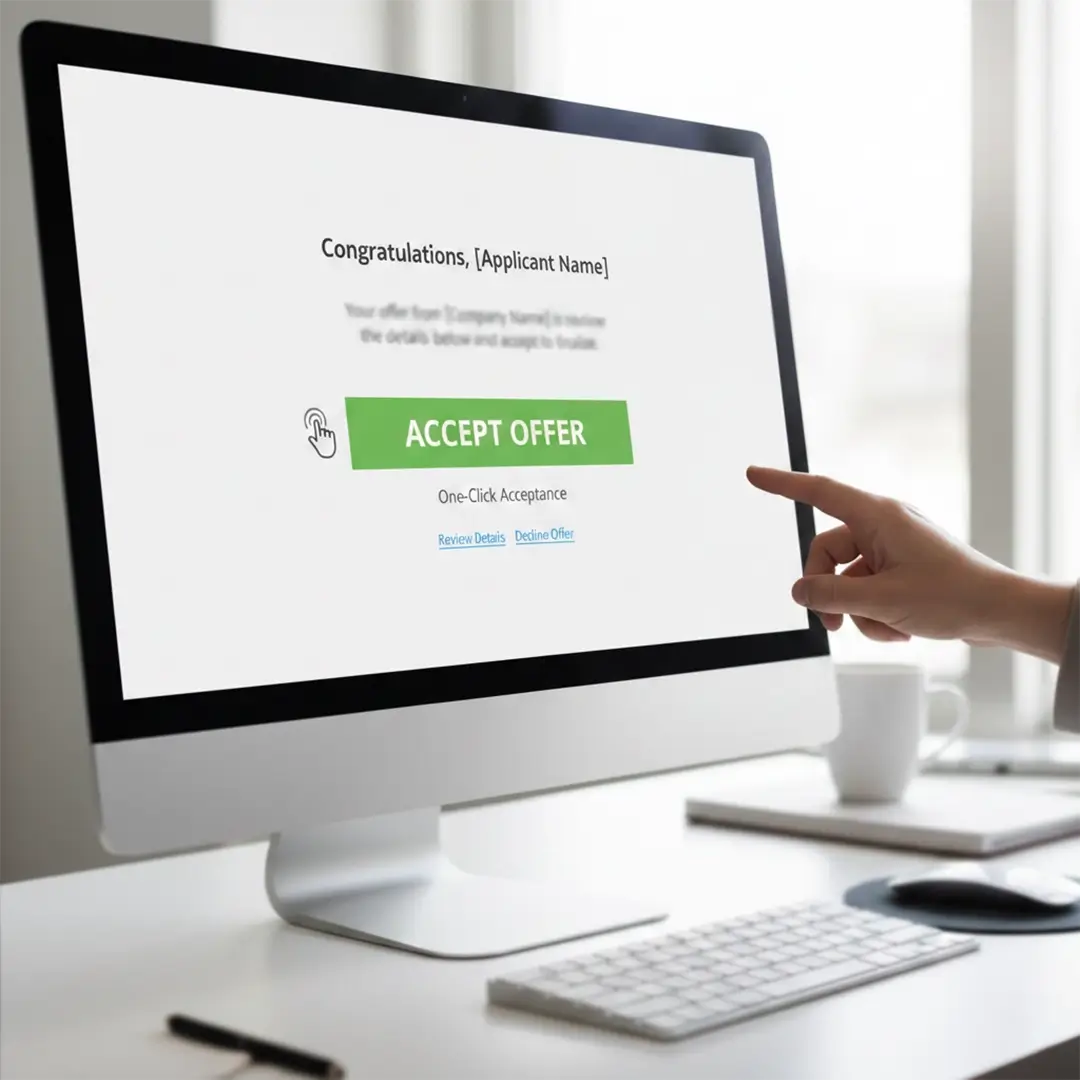
E signature support
Enable an e signature integration when you want candidates to sign online. This gives you a clear record of acceptance.
Signed offer storage
Keep the signed offer letter and related documents attached to the candidate record. Your team can find it later without searching email chains.
Handover to HRIS
After acceptance, you can move the record to hired and pass the details to your HR setup. This reduces duplicate entry during onboarding.